Reports
In this page, the different reports of the FTA can be downloaded for each project.
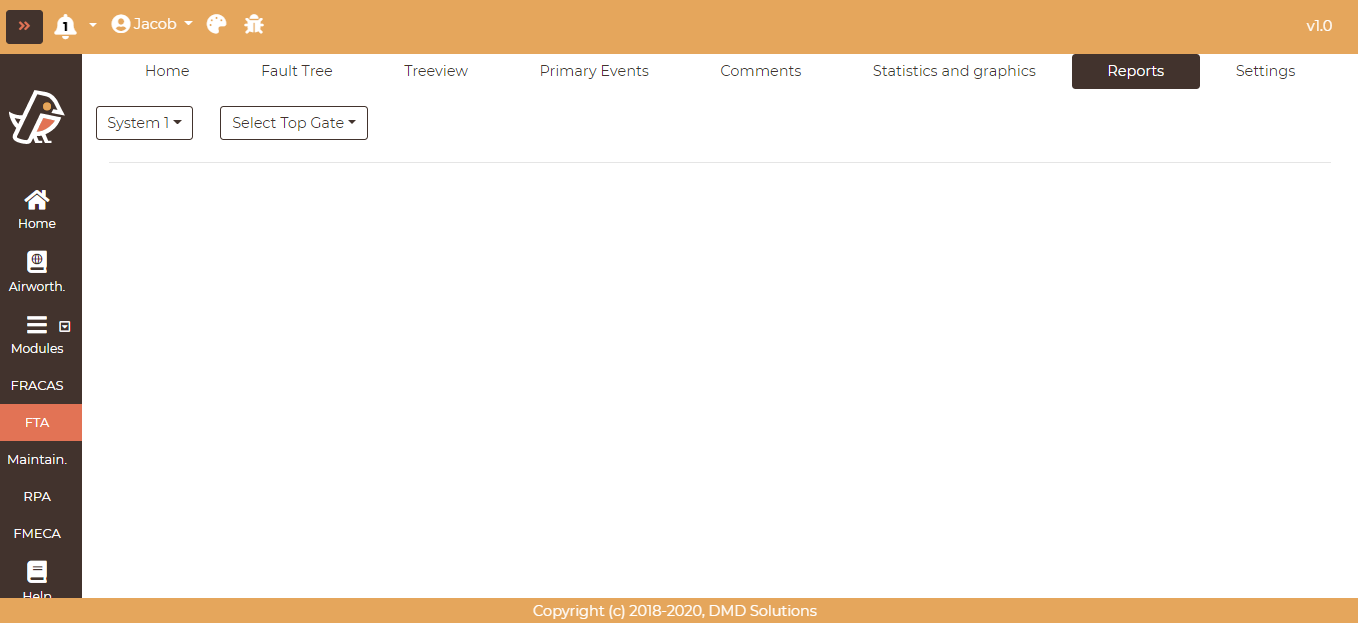
In the top-left dropdown, select the system. After selecting a system, a new dropdown will appear to select the desired top gate within the system as shown in the picture below.
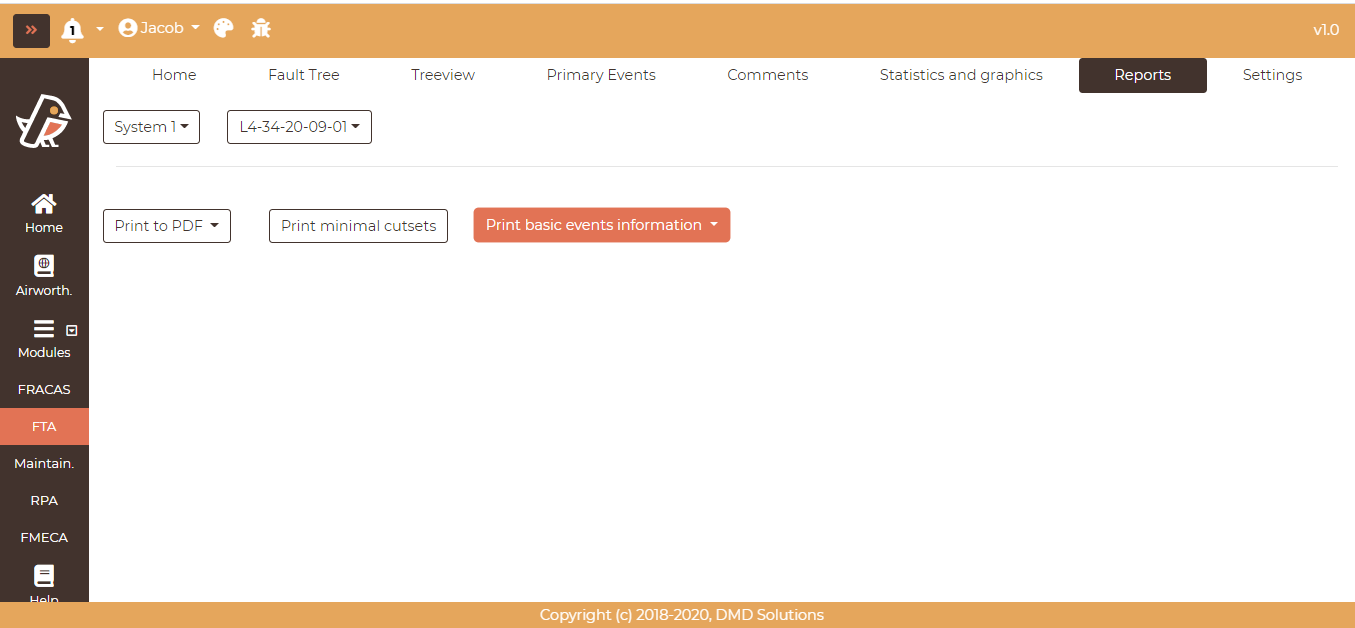
Once the system and the top gate have been selected, the different reports will appear available to be downloaded. Click on one of the different reports to download it in PDF format.
Bookmarks in the exported diagram
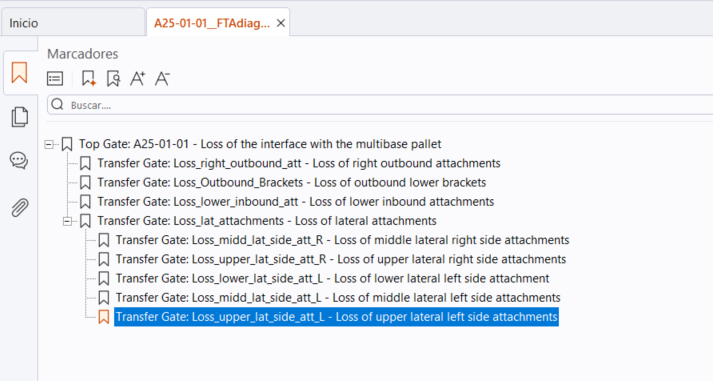
The PDF of the Fault Tree Diagram includes a bookmark index, which is displayed in the side panel of any PDF reader. Since a large fault tree is split into many pages, each connected through transfer gates, this index makes it possible to jump directly to the page of a given branch instead of following the transfers page by page.
The bookmarks reproduce the hierarchy of the fault tree: each entry corresponds to one page of the diagram, and it is nested according to the depth of the gate that page develops. Clicking on an entry opens the corresponding page.
Note
The index is generated automatically, no option needs to be enabled when exporting.